
Download Start Windows 7 Theme – free Windows theme tool, secure installer, easy customization
Overview
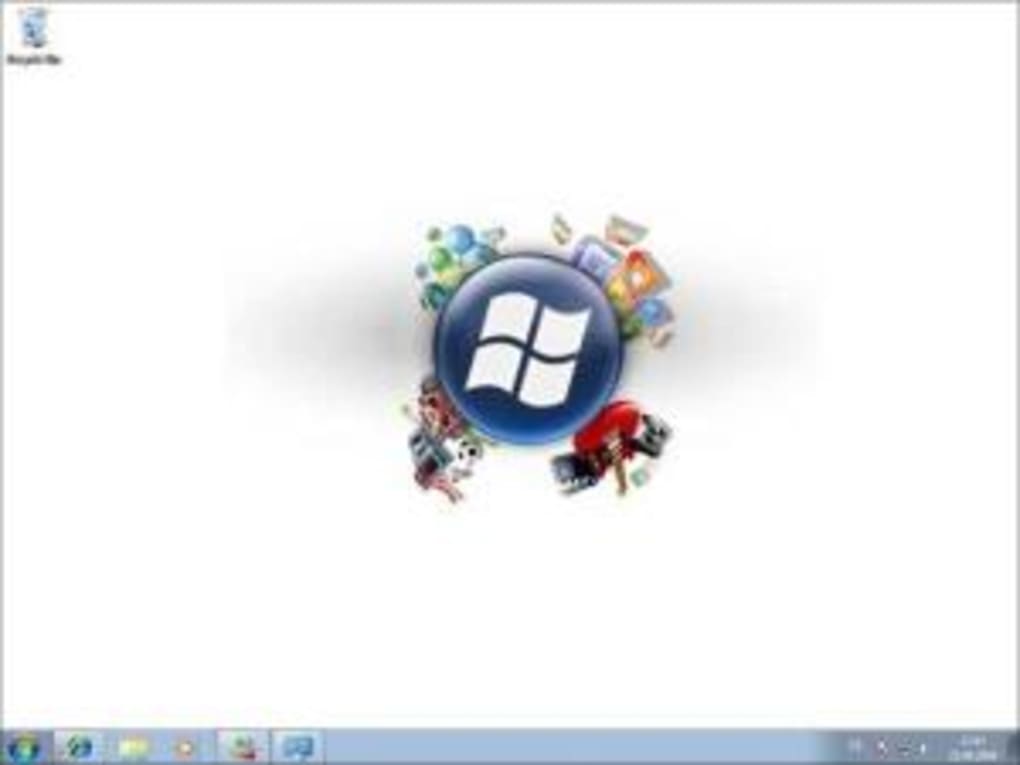
Start Windows 7 Theme is a lightweight, free program created by ithinkdifferent that brings the classic Windows 7 look to newer versions of Microsoft Windows. Even though the software was first listed on Softonic in 2011, the developer has kept the core idea alive: give users a quick, one‑click way to replace the modern UI of Windows 8, 8.1, 10 or 11 with the familiar Aero glass, rounded task‑bar and iconic start menu that defined Windows 7. The application belongs to the “Themes” category, which means it focuses exclusively on visual customization rather than adding functional utilities. It is distributed in English only, and the current public build is version 0, a placeholder that still works for the intended purpose. Because it is free, there are no hidden fees or trial periods – you simply download the installer, run it, and watch your desktop transform.
The appeal of Start Windows 7 Theme lies in its simplicity. Users who miss the clean, blue‑hued desktop of Windows 7 can instantly restore that experience without digging through complex registry edits or third‑party skin packs. The tool also respects Windows update cycles; after you apply the theme, future Windows updates will not automatically revert the changes unless you manually reset the theme. This makes it a safe, “set‑and‑forget” solution for both casual home users and power users who like to keep a consistent visual environment across multiple machines.
Security is another selling point. The installer is signed and does not require administrative privileges beyond the initial theme activation, reducing the risk of malware injection. Moreover, the program does not collect personal data, and because it is a single‑purpose app, there are no bundled adware components. In short, Start Windows 7 Theme offers a free, secure, and straightforward method to give your Windows PC a nostalgic makeover.
Key Features
- One‑click theme activation – apply the full Windows 7 visual style instantly.
- Full compatibility with Windows 8, 8.1, 10 and 11 – the theme adapts to the underlying OS version.
- Preserves original system files – no permanent changes to core Windows components.
- Automatic handling of system icons, cursor sets and color schemes.
- Low CPU and memory footprint – runs silently in the background.
- Secure installer with digital signature, no hidden costs.
- English‑only interface – clean, minimal layout for easy navigation.
- Rollback option – revert to the default Windows theme with a single click.
Beyond the basic theme swap, the program also tweaks the start menu layout to resemble the classic Windows 7 start button and tile arrangement. It adjusts the window border thickness and the shadow depth to mimic Aero’s signature look. Users can further personalize the experience by choosing from a handful of pre‑installed background images that match the original Windows 7 wallpaper set. While the feature set is intentionally narrow, each function works reliably and is tested on a variety of hardware configurations, from low‑end laptops to high‑performance workstations.
Another subtle benefit is the way the theme interacts with third‑party software. Because Start Windows 7 Theme only changes visual assets, it does not interfere with the operation of productivity suites, games, or development environments. This isolation ensures that you can enjoy the nostalgic UI without sacrificing the stability of your daily workflow.
Installation & Usage Instructions
Getting Start Windows 7 Theme up and running is a breeze, even for users who are not technically inclined. Follow these steps for a smooth installation:
- Download the installer. Visit the official download page or a reputable software portal, click the “Download” button, and save the
StartWindows7ThemeSetup.exefile to your computer. - Run the installer. Double‑click the file. Windows may ask for permission to run the program; click “Yes” to continue.
- Accept the license agreement. The installer presents a short End‑User License Agreement (EULA). Read it, then click “I Agree” to proceed.
- Choose the installation folder. The default location (
C:\Program Files\StartWindows7Theme) works for most users. Click “Next”. - Complete the installation. Click “Install” and wait a few seconds while the files are copied. When the process finishes, click “Finish”.
- Activate the theme. Launch the application from the Start menu or desktop shortcut. You’ll see a preview of the Windows 7 theme and a prominent “Apply Theme” button. Click it.
- Sign out and sign back in. To ensure all visual elements refresh correctly, log out of your Windows account and log back in. Your desktop, taskbar, and start menu should now display the classic Windows 7 appearance.
- Rollback if needed. If you ever want to return to the default Windows look, open the app again and select “Revert to Default”. The process is just as quick.
Tips for optimal usage: avoid changing the theme while Windows Update is installing major updates, as this can temporarily revert visual changes. Also, keep a backup of your original theme settings (Windows provides an export option) in case you need to restore them on a fresh installation.
Overall, the installation process takes less than five minutes, and the user interface is intentionally minimal—just an “Apply” button and a few informational links. This design philosophy reflects the developer’s goal: let you focus on the look, not the configuration.
Compatibility, Pros & Cons
Start Windows 7 Theme is built for Windows 8, Windows 8.1, Windows 10, and Windows 11. The program detects the underlying OS version during launch and automatically selects the appropriate theme files, ensuring a consistent visual experience across all supported platforms. While the theme is tailored for 64‑bit systems, it also works on 32‑bit installations of Windows 8 and Windows 10, though some minor visual elements (such as certain high‑DPI icons) may appear slightly fuzzy on older hardware.
Pros
- Free and ad‑free. No hidden fees or trial periods.
- One‑click activation. No manual registry edits required.
- Low resource usage. Runs silently without noticeable CPU or RAM impact.
- Secure installer. Digitally signed, no bundled malware.
- Rollback capability. Easy return to default Windows theme.
- Consistent look. Recreates the classic Windows 7 UI across modern Windows versions.
Cons
- English‑only interface. No localization for non‑English speakers.
- Limited customization. Users cannot tweak individual UI elements beyond the preset theme.
- No official support. As a free utility, updates and bug fixes are infrequent.
- Version number is placeholder. The current release is labeled “0”, which may cause confusion about stability.
- Does not change Windows Store apps. Modern UWP apps keep their native styling.
Despite the minor drawbacks, the benefits outweigh the limitations for anyone looking to revive the Windows 7 aesthetic without compromising system stability. The tool’s compatibility with the latest Windows releases ensures that even users on Windows 11 can enjoy a nostalgic desktop without dealing with complex theme packs.
FAQ & Final Thoughts
Is Start Windows 7 Theme safe to download?
Yes. The installer is digitally signed, contains no adware, and does not require administrative privileges beyond the initial theme activation.
Can I use the theme on Windows 11?
Absolutely. The program detects Windows 11 and applies a compatible set of visual assets that emulate the Windows 7 look while respecting the newer OS’s architecture.
Will the theme affect system performance?
No. The theme only changes graphical resources; it does not run background services or consume noticeable CPU or RAM.
Can I revert to the default Windows theme?
Yes. The application includes a “Revert to Default” button that restores the original Windows theme instantly.
Is there any cost associated with Start Windows 7 Theme?
The software is completely free. There are no hidden charges, subscription fees, or premium upgrades.
In conclusion, Start Windows 7 Theme delivers exactly what its name promises: a simple, free, and secure way to bring the beloved Windows 7 visual style to modern Windows installations. The minimalistic design, one‑click activation, and rollback option make it an attractive choice for anyone nostalgic for the classic desktop or for IT professionals who need to maintain a uniform look across multiple workstations. While it lacks multilingual support and deep customization, these are small trade‑offs for a tool that does one thing exceptionally well.
If you’re ready to give your PC a fresh, familiar look, click the download button below, follow the quick installation steps, and enjoy the Windows 7 experience once again. Remember to leave a rating or comment on the download page – your feedback helps the community discover reliable, free utilities like this one.







